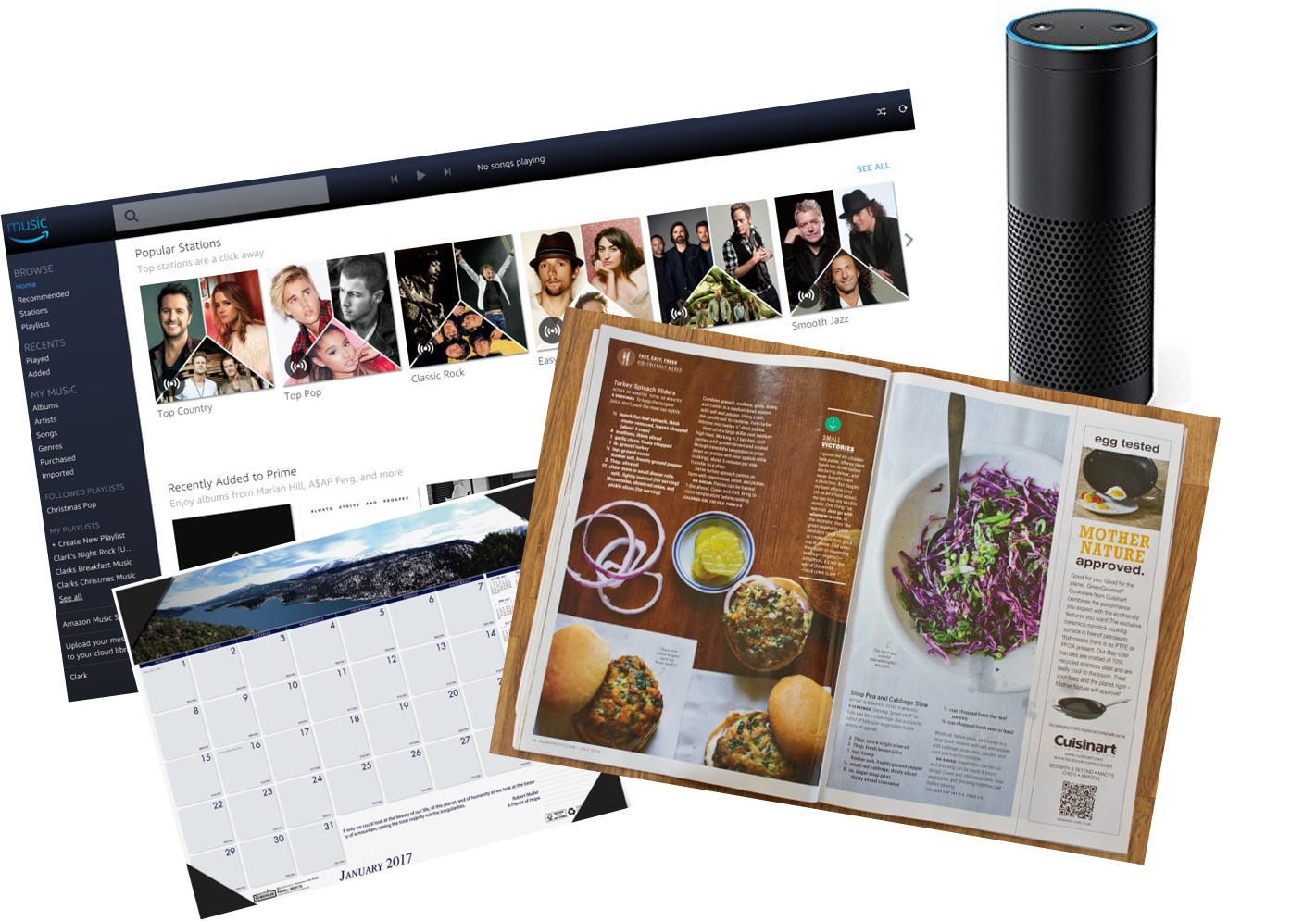
As much as I love the Amazon Echo and Echo Dot, there are many times when trying to do things by voice or audio only falls short and it’s clear virtual assistants need screens, or an option for a screen.
And this is true in a wide range of scenarios including listening to music, cooking, calendars or even home automation.
Take for instance music, there are multiple challenges in not having a screen including the need to be precise in the name you ask for to play a specific station or playlist, the challenge of remembering specific albums, or discovering new music.
There’s a reason care and attention is given to album art as visual images are strong memory triggers whether it is for a specific album, or for a station or playlist. And it’s easier to visually scan a genre or category to find music you are interested in than hear a list read to you.
Cooking is clearly an area where a screen is needed along with the hands-free help that Alexa, Google Home, Siri, or Cortana can provide.
As useful as it is to have Alexa set timers for me, the fact that I can’t name them (ie: roast, potatoes, green beans) limits it’s usefulness and having voice control of switching between recipes, navigating up and down within the recipes, and keeping track of previous and next steps are all missing pieces of the current virtual assistants. (For more thoughts on this scenario see the article here.)
For home automation, voice-only is also currently a limitation. While it will take more than just adding a screen, the current scenario where lights, appliances, etc have specific names, the requirement to remember which name controls what, and the challenge of visitors or guest having no clue about how you’ve automated your home, makes this an area where voice-only virtual assistants are a challenge.
Why don’t I just move to a PC or tablet when I want to do more than just voice? Because the Echo is in the kitchen, and we’ve gotten addicted to asking her to do things for us. I actually have a tablet that permanently sits in a stand on the kitchen counter for when I need a screen, but I have to wake it up, log in, manually navigate to where I want to go, and then I’m in touch and/or keyboard control, and no Alexa.
What I want to be able to do is say things like “Alexa, show me my calendar for next week” and be taken right to my calendar or “Alexa, show me my shopping list” or “Alexa, show me mellow dinner music stations”, and then have the choice to use either voice or touch to move around.
The magic, of course, is the glue and services that tie all these scenarios together, across a range of device types. Amazon has an early lead in virtual assistant appliances/smart speakers, but Google Home has established itself as a strong competitor with a huge base of Android customers to leverage. Siri has the Apple customer base behind it assuming it is investing in this space, and Microsoft appears to be taking it’s traditional let-device-makers-build-our-services-in approach with Cortana.
So whether it is a “screen” with Alexa built in, a Google Home that you can attach a screen to, or a Cortana add-on smart speaker that can turn existing iPads, tablets, etc into displays for virtual assistants, it’s clear that being audio only today limits what these assistants can and should be able to do.

 clarkb...