
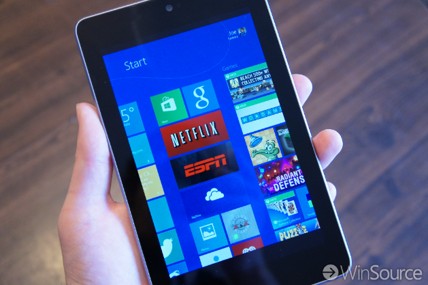
I posted a couple of days ago about how we can manage our home music from pretty much any type of phone or tablet using Microsoft Remote Desktop.
As I discussed in that post, between Pandora, Xbox Music, iHeart Radio, TuneIn Radio, YouTube and direct streams or apps from radio stations, like KEXP, etc, pretty much all of our home music is streamed.
And while we don’t really use it, this list could easily include iTunes.
Having a Windows 8 PC connected to your home stereo is a great way to do this esp with Remote Desktop now available for pretty much any phone or tablet for managing your music remotely*. IMO this has become a killer scenario for the home.
And with the Dell Venue 8 Pro, Toshiba Encore and Lenovo Miix 2 8, all now going for ~$200 it’s a great time to add a Windows machine as a component to your home stereo.
* To remotely control a Windows PC/Laptop/Tablet you have two choices:
– Use Microsoft’s Remote Desktop. The client app is free and available for Windows, Windows Phone, iOS, Android. The machine to be controlled (the host) must be running Windows 8/8.1 Professional or Enterprise, or Windows 7 Ultimate or Pro. If you only have Windows 8/8.1/7 Standard Edition there is a Student discount offer to upgrade to Pro for $69… which is less than what Apple charges ($79) for Apple Remote Desktop, which only lets you control a Mac, and NOT an iPad/iPad mini.
– Use a free 3rd party app called TeamViewer

 clarkb...