
 Pandora, iHeart Radio, TuneIn Radio, Xbox Music, iTunes, YouTube, direct streams from radio station wed sites, the vast majority of music listening at home anymore is web based and streamed. So much so that I have a 6 year old laptop in our stereo closet hooked into our home stereo system. It’s great, we love the choice, range and flexibility of streamed music, which we can control from anywhere in the house, from any device we happen to be using, and we didn’t have to spend a bunch of money buying a whole new set of AV equipment like Sonos.
And what do we use to do this from any of our devices? An app from Microsoft with the un-sexy, but highly accurate name of “Remote Desktop”, so named because it lets you control the desktop… of a PC… remotely… as in not sitting in front of your PC… or in this case, not standing in front of the laptop at our stereo, using (almost) any phone, tablet, laptop or PC that you want.
Let’s take a look: 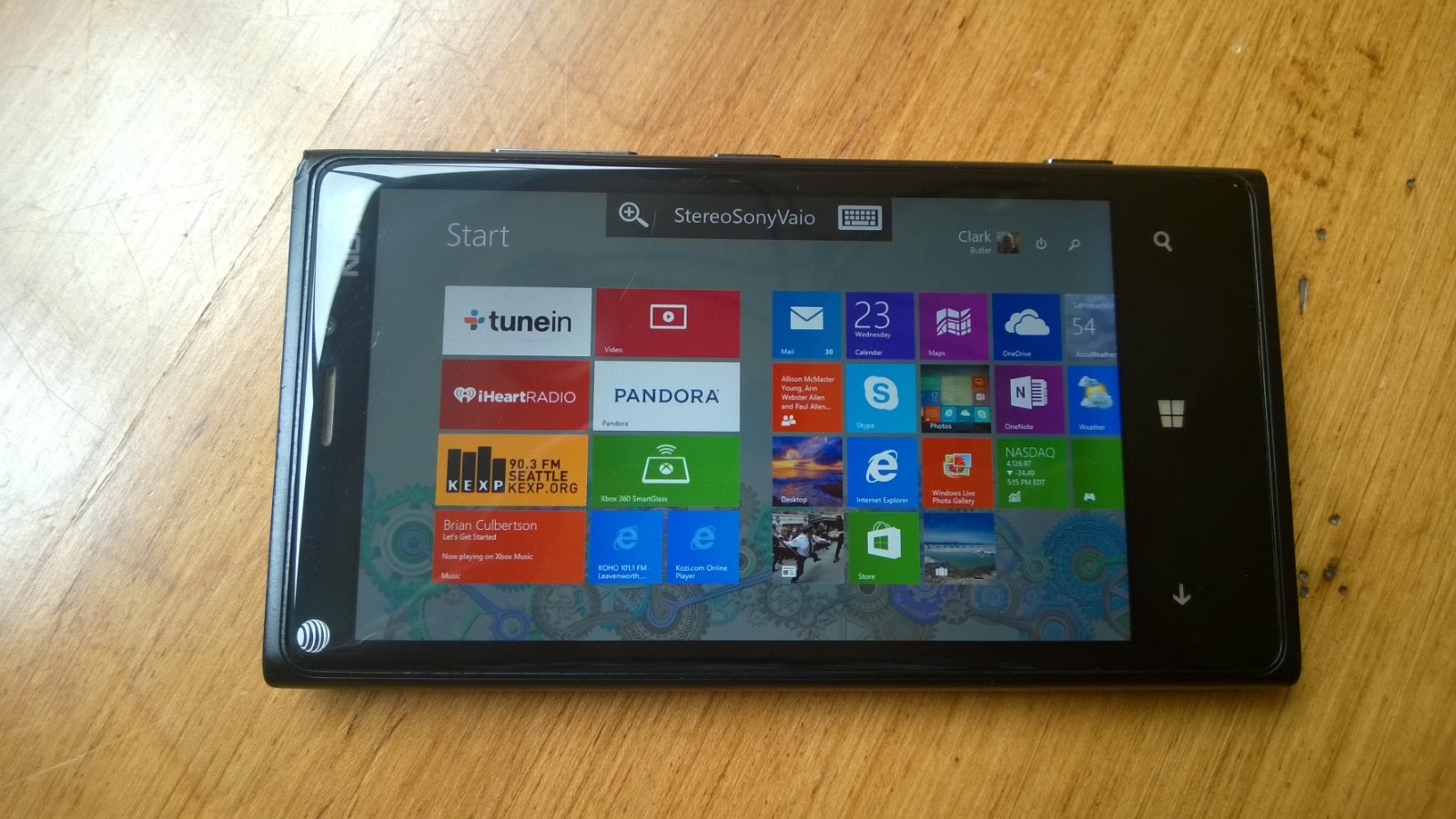
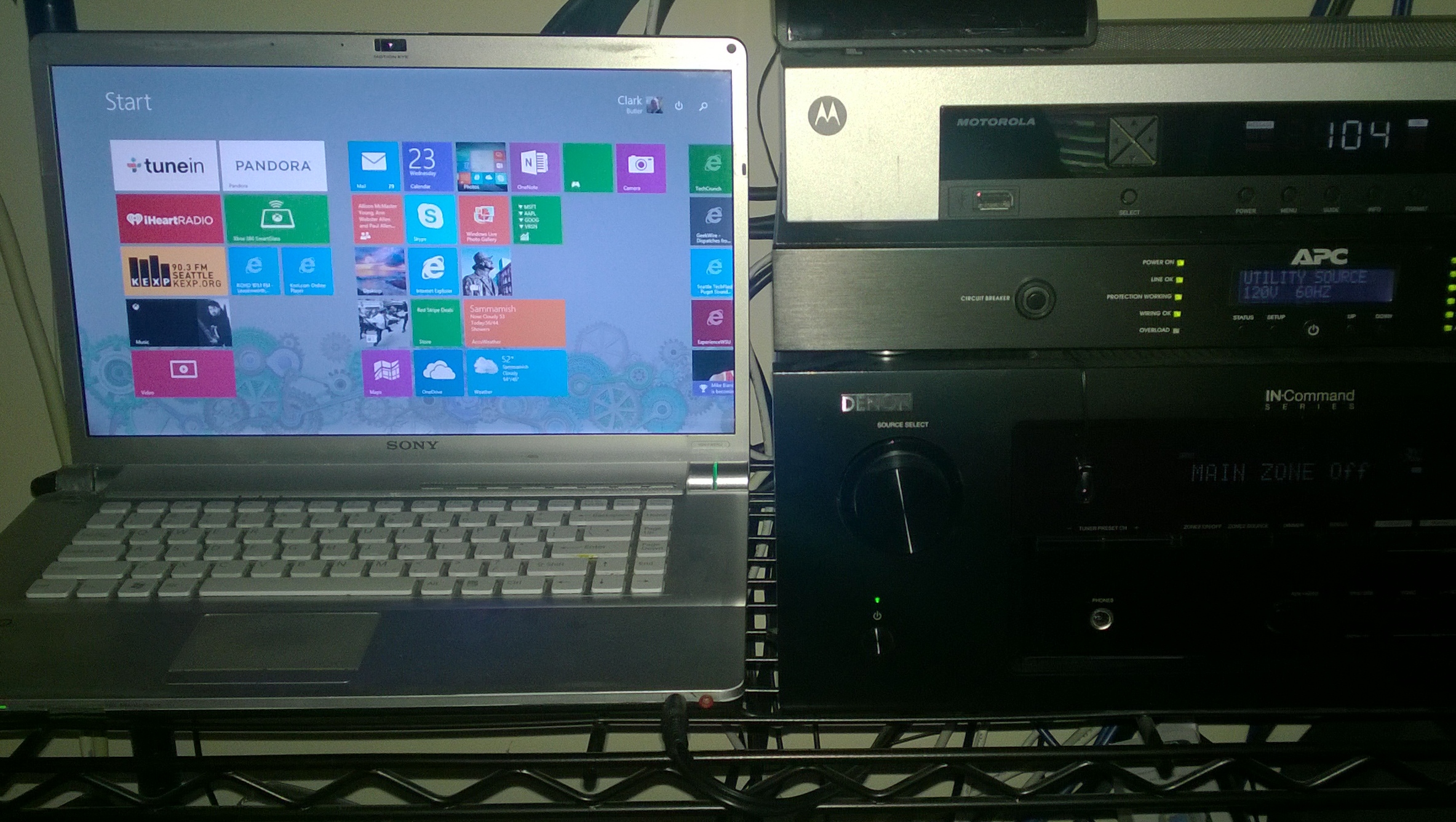
Here’s the 6 yr old Sony Vaio laptop, running Windows 8.1, that’s hooked into our stereo in the closet in my home office, with live tiles for all of our music apps and music sources (note the gray/purple desktop background):
We can of course, stand in front of this laptop to control our music, but who wants to do that? It’s much more convenient to control this from say, the nice, dual-monitor desktop machine I have in my office.
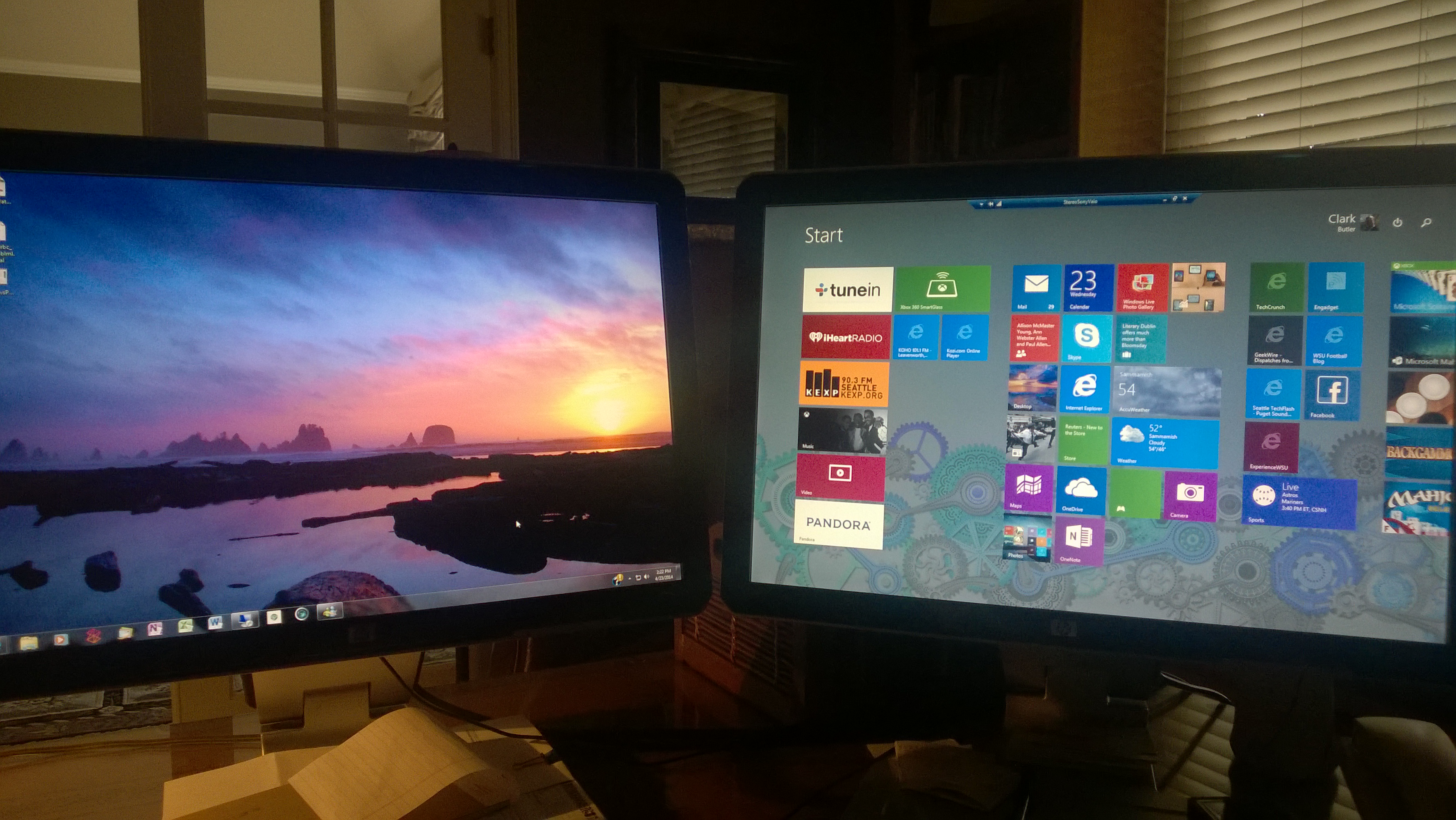
Here you can see my Windows 7.0 desktop running on the screen on the left, and the Windows 7 Remote Desktop app running the desktop from our Stereo Sony Viao on the screen on the right, being controlled with my mouse and keyboard.
But what if I’m not at my desk, let’s say I’m sitting on the couch, or upstairs in our bedroom, or out on the back patio, using my Surface? The Windows 8 Remote Desktop app let’s me connect to and control our Stereo laptop using either keyboard or touch from my Surface, or any other touch enabled Windows 8 device.
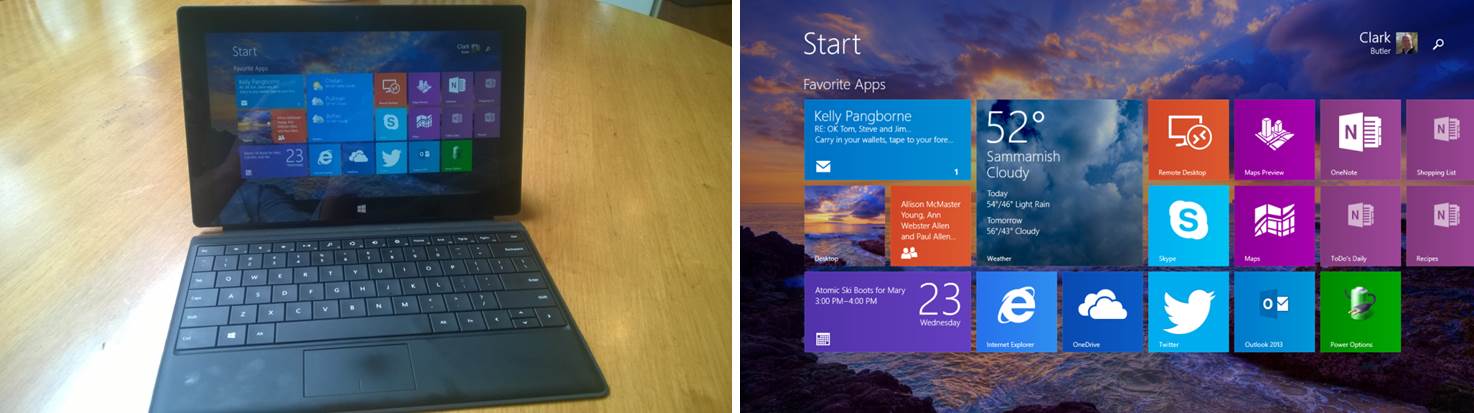
Here is my Surface, which has a sunset/ocean background and a different live-tiles layout than the stereo PC:
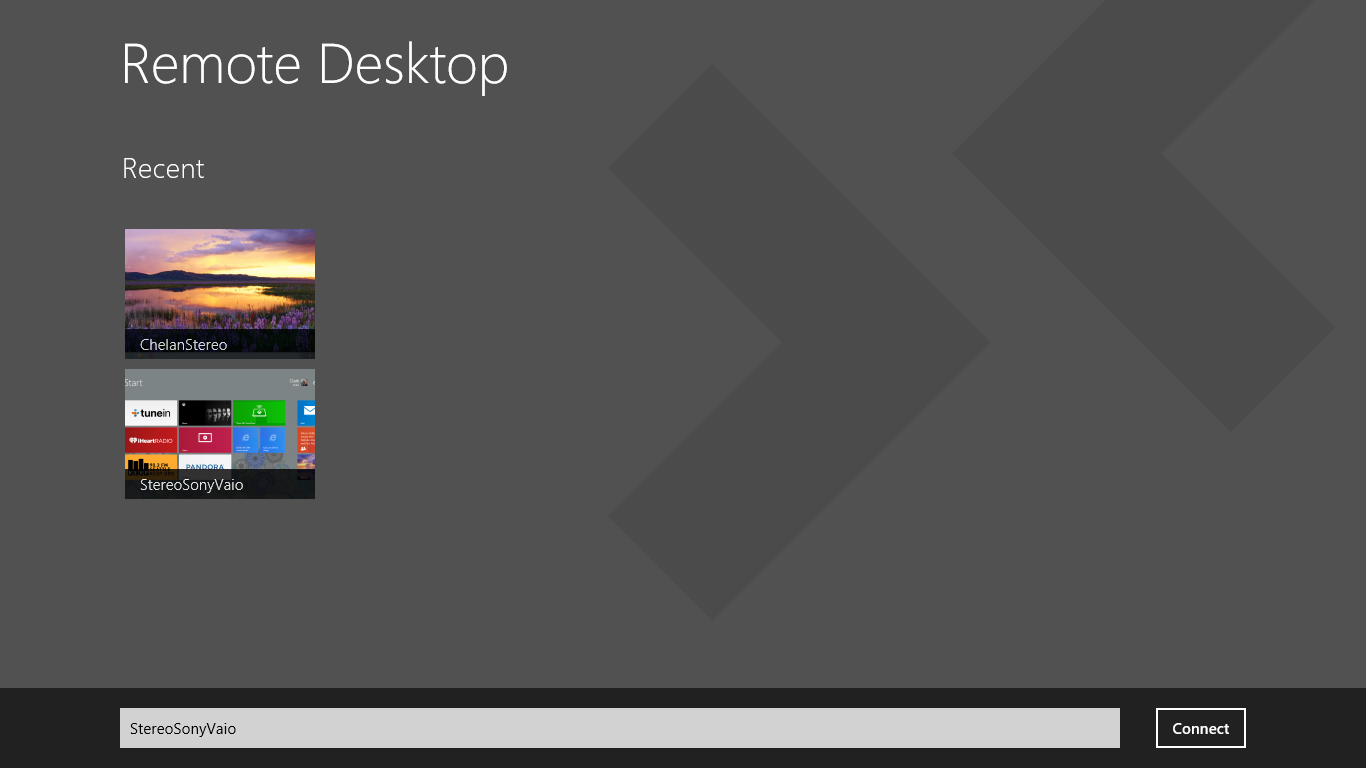
Clicking on the Remote Desktop app launches the screen that allows me to chose which PC I want to connect to:
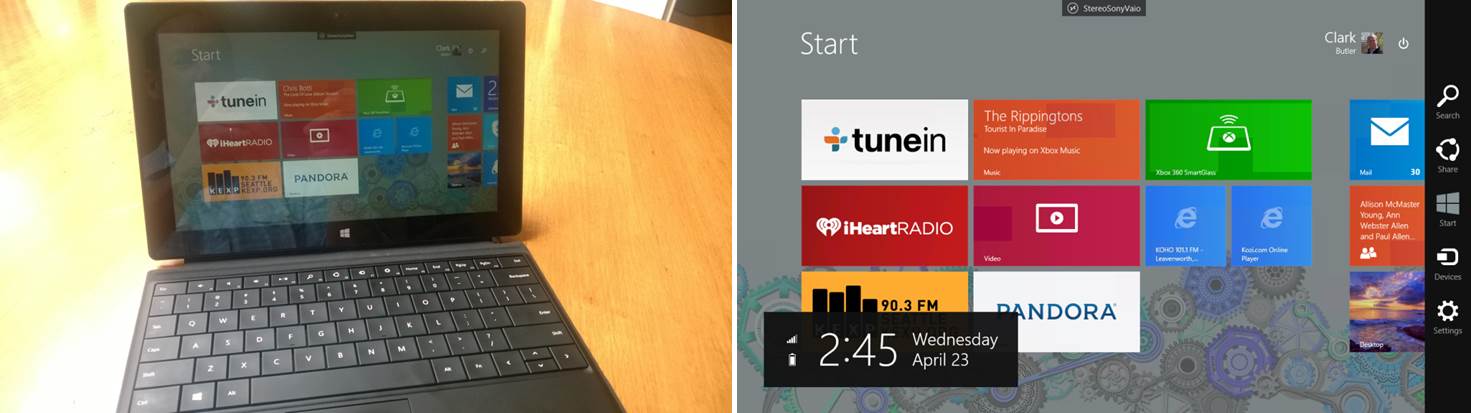
And now I’m controlling the non-touch Stereo laptop using touch on my Surface, or just as easily from Brad or Cam’s 8″ Dell tablets, from any room in the house.
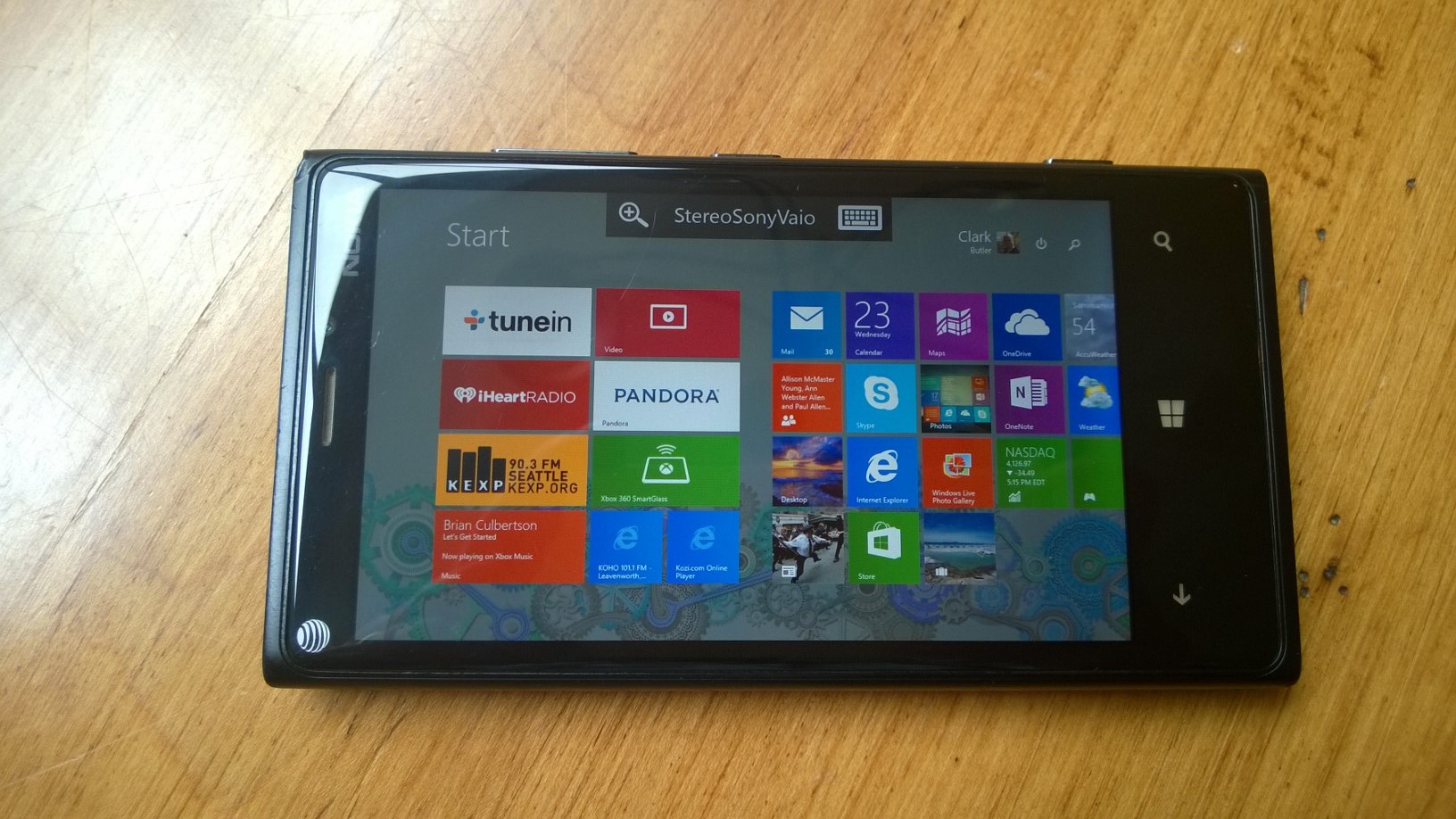
And with today’s introduction of the Remote Desktop app for Windows Phone, we can do the same thing from our Windows Phones:
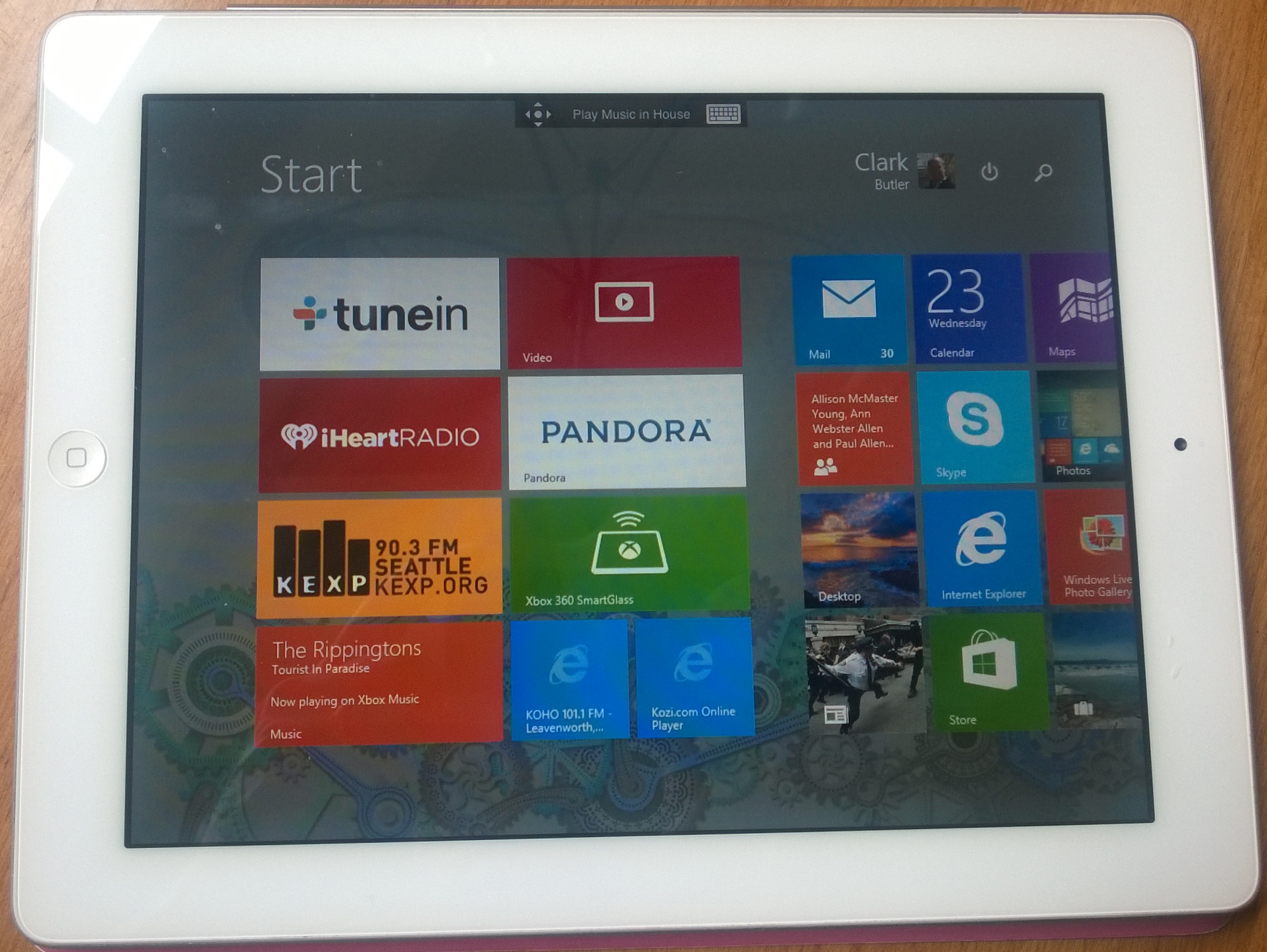
And the Remote Desktop love doesn’t stop there as Microsoft has released an Android version of the app, as well as an iOS app, which we use from Mary’s iPad:
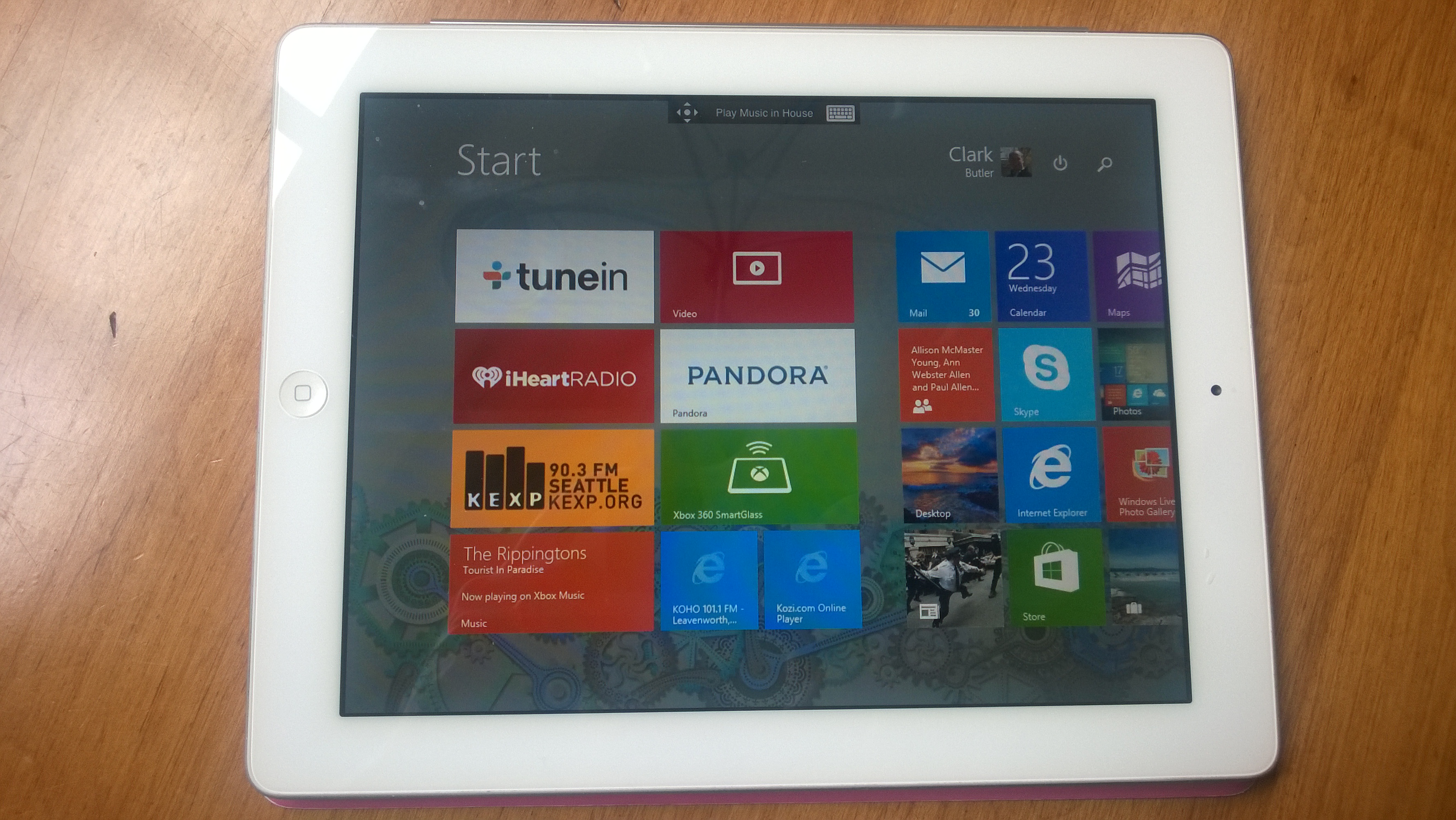
So pretty cool; whether it’s music from an app, web site, YouTube, etc we can search for, start, stop and control our music from any device, from any room in the house.
And that’s a VERY good thing.

 clarkb...